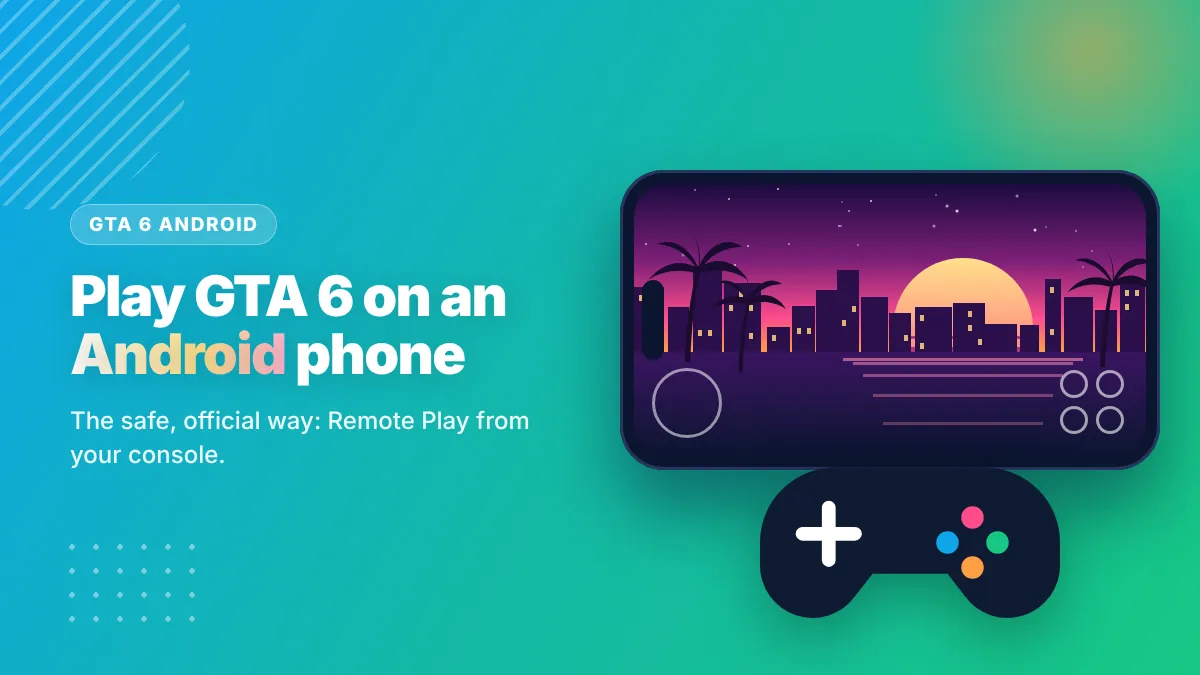
GTA 6 is not available for Android. The safe way to play it on an Android phone is to stream it from your own PS5 (PS Remote Play app) or Xbox Series X|S (Xbox app) over fast Wi‑Fi. Your console runs the game; your phone shows it.
Table of Contents
- Is GTA 6 Available for Android?
- What You Need to Play GTA 6 on Android
- How to Play GTA 6 on Android With a PS5
- How to Play GTA 6 on Android With an Xbox Series X|S
- Best Settings for Smooth GTA 6 on Android
- PS Remote Play vs Xbox Remote Play for GTA 6
- Fixing Common Connection Errors
- Best Controller Setups for GTA 6 on a Phone
- Can You Play GTA 6 on Android Without a Console?
- GTA 6 System Requirements for Mobile
- Prefer Something You Can Install Today?
If you searched “GTA 6 Android”, you probably want one thing: GTA 6 on your phone. A GTA 6 APK won’t give you that — no real one exists. What does work is remote play. Below is the complete setup for PS5 and Xbox, the requirements, and how to make it smooth.
Is GTA 6 Available for Android?
No. Rockstar Games released no Android version of Grand Theft Auto VI. The game launches on November 19, 2026 for PS5 and Xbox Series X|S. Any “GTA 6 for Android free download” is unofficial and unsafe — see how fake GTA 6 APK scams work.
What You Need to Play GTA 6 on Android

- Your own PS5 or Xbox Series X|S with GTA 6 installed (bought or pre-ordered).
- An Android phone running a recent Android version supported by the app (check the app’s Google Play page).
- The official app: PS Remote Play for PlayStation or Xbox for Xbox — both free on Google Play.
- Fast, stable internet: Sony recommends at least 5 Mbps and 15 Mbps or more for the best experience; 5 GHz Wi‑Fi works best at home.
- A controller (recommended): DualSense, DualShock 4 or Xbox Wireless Controller via Bluetooth, or a phone controller grip.
How to Play GTA 6 on Android With a PS5
- Update your PS5 to the latest system software and install GTA 6.
- Enable Remote Play: Settings → System → Remote Play → Enable Remote Play.
- Let the PS5 wake from rest mode: Settings → System → Power Saving → Features Available in Rest Mode → turn on Stay Connected to the Internet and Enable Turning On PS5 from Network.
- Install PS Remote Play on your Android phone from Google Play and sign in with the same PlayStation account.
- Pair your controller with the phone in Bluetooth settings (hold PS + Create on a DualSense until it flashes).
- Tap PS5 in the app, wait for the connection, then launch GTA 6.
How to Play GTA 6 on Android With an Xbox Series X|S
- Install GTA 6 on your Xbox Series X|S.
- Turn on remote features: Settings → Devices & connections → Remote features → Enable remote features.
- Set power mode to Sleep so the console can wake up for streaming.
- Install the Xbox app on Android and sign in with the same Microsoft account.
- Open My Library → your console → Remote play on this device.
- Connect a controller over Bluetooth and start GTA 6.
Best Settings for Smooth GTA 6 on Android
| Problem | Fix |
|---|---|
| Lag or input delay | Connect the console to the router with an Ethernet cable; use 5 GHz Wi‑Fi on the phone. |
| Blurry picture | Choose a higher resolution in the app’s video quality settings if your connection allows it. |
| Disconnects | Keep the phone close to the router; close downloads and video streaming on other devices. |
| Phone gets hot | Remove thick cases, lower screen brightness and keep the phone charged with a cool charger. |
| Touch controls feel bad | Use a Bluetooth controller or a controller grip — GTA is built for buttons. |
PS Remote Play vs Xbox Remote Play for GTA 6
| Feature | PS Remote Play | Xbox app (Remote Play) |
|---|---|---|
| Console needed | PS5 / PS5 Pro | Xbox Series X|S |
| App price | Free | Free |
| Works on Android & iPhone | Yes | Yes |
| Touch controls | Yes (basic) | Yes (basic) |
| Controller support | DualSense, DualShock 4, many Bluetooth pads | Xbox Wireless Controller, many Bluetooth pads |
| Wake console remotely | Yes (rest mode settings) | Yes (Sleep power mode) |
| Best for | PS5 owners | Xbox Series X|S owners |
Fixing Common Connection Errors
- “Cannot find your console” – make sure the phone and console are signed in to the same account and, for the first connection, on the same home network.
- Connection drops outside home – your router’s NAT type may be strict; enable UPnP in the router settings.
- Black screen on start – update the app and the console, then restart both.
- Controller not responding – unpair it from the console first, then pair it with the phone.
Best Controller Setups for GTA 6 on a Phone
For driving, aiming and the radio wheel, a physical controller makes a huge difference. The simplest option is the controller you already own (DualSense or Xbox Wireless Controller) with a cheap phone clip. For a handheld feel, telescopic controller grips that hold the phone between two handles work very well with both apps.
Can You Play GTA 6 on Android Without a Console?
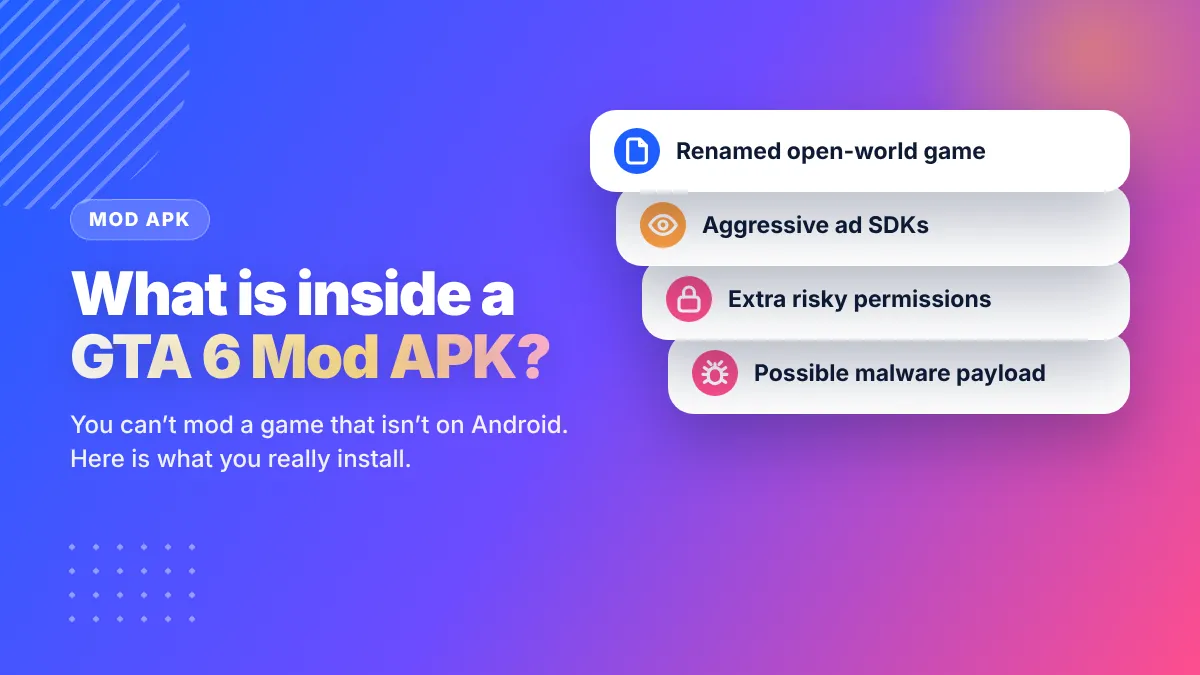
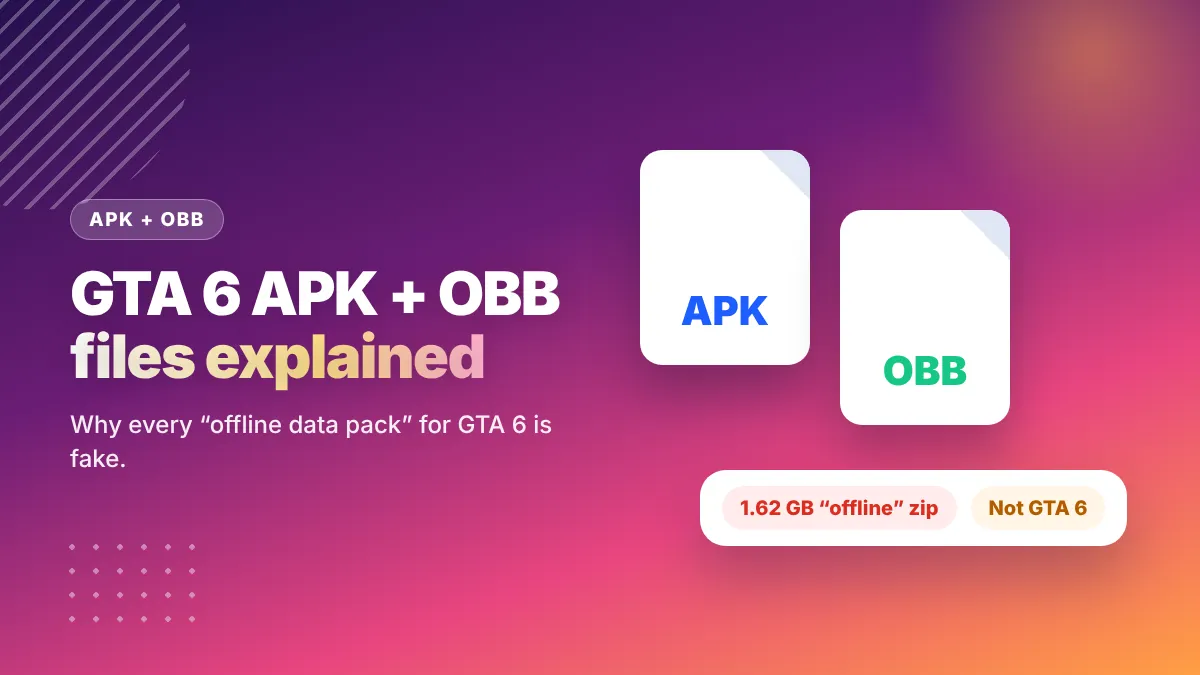
Not today. Rockstar hasn’t announced GTA 6 on any cloud gaming service, and there is no native Android version. Anything claiming to let you play GTA 6 on Android without a console — “GTA 6 APK + OBB offline”, “mod APK”, “beta” — is fake. We explain those files in GTA 6 APK + OBB and GTA 6 mod APK.
GTA 6 System Requirements for Mobile
Because GTA 6 runs on your console, your phone doesn’t need to be powerful. What matters is the network and the screen. A mid-range Android phone with good Wi‑Fi and a 6-inch-plus display is enough. A phone that claims to meet “GTA 6 mobile system requirements” for a native install is answering a question that doesn’t exist yet.
Prefer Something You Can Install Today?
Try Rockstar’s official GTA ports for Android while you wait — see our list of the best GTA games for Android. And for a broader look at phones and GTA 6, read GTA 6 mobile: is it coming to Android & iOS?
Frequently Asked Questions
Can I play GTA 6 on Android?
Yes, by streaming from your own PS5 or Xbox Series X|S with PS Remote Play or the Xbox app. There is no installable GTA 6 for Android.
Is there a GTA 6 free download for Android?
No. Every free GTA 6 Android download is unofficial and may contain malware. GTA 6 is a paid console game.
What internet speed do I need to play GTA 6 on Android?
Sony recommends at least 5 Mbps for PS Remote Play and 15 Mbps or more for the best experience. A 5 GHz Wi‑Fi network with the console wired to the router gives the smoothest result.
Do I need a controller to play GTA 6 on my phone?
No, both apps have touch controls, but a Bluetooth controller is strongly recommended for driving and shooting.
Can I play GTA 6 on Android using mobile data?
Remote play is designed for fast, stable connections. It works best on home Wi‑Fi; mobile data may cause lag and uses a lot of data.